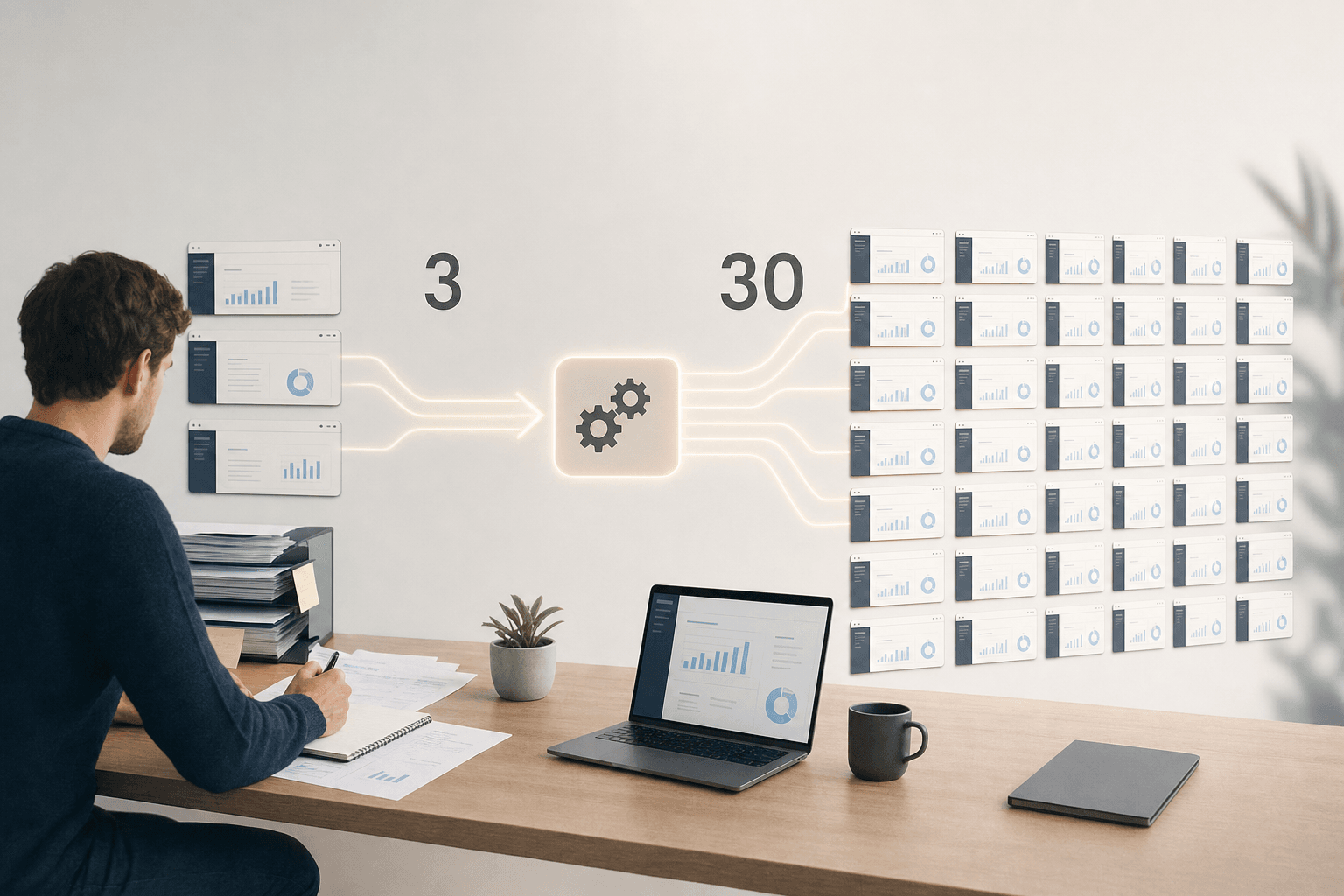
Row-level security (RLS) determines who may see which data within a single shared database or report. Instead of building separate copies of a dashboard per customer or region, everyone views the same report, but each user automatically sees only the rows they are entitled to. For executives who want to share data with employees, partners or customers without losing control, this is the way to do it safely and at scale.
What is row-level security?
Row-level security is a security layer that controls access to data at the level of individual rows, not at the level of whole tables or reports. A sales manager then sees only the figures for their own region, while executives keep the complete overview in that same report.
This differs from traditional access management (controlling who can reach which systems or files), which usually works at folder or application level. RLS filters the data itself, based on who logs in. That makes one report usable for ten different audiences, without maintaining ten separate versions.
How do you set up row-level security in Fabric?
In Microsoft Fabric you set up RLS on the data model, not afterwards in individual reports. That prevents every new dashboard builder from having to configure security again.
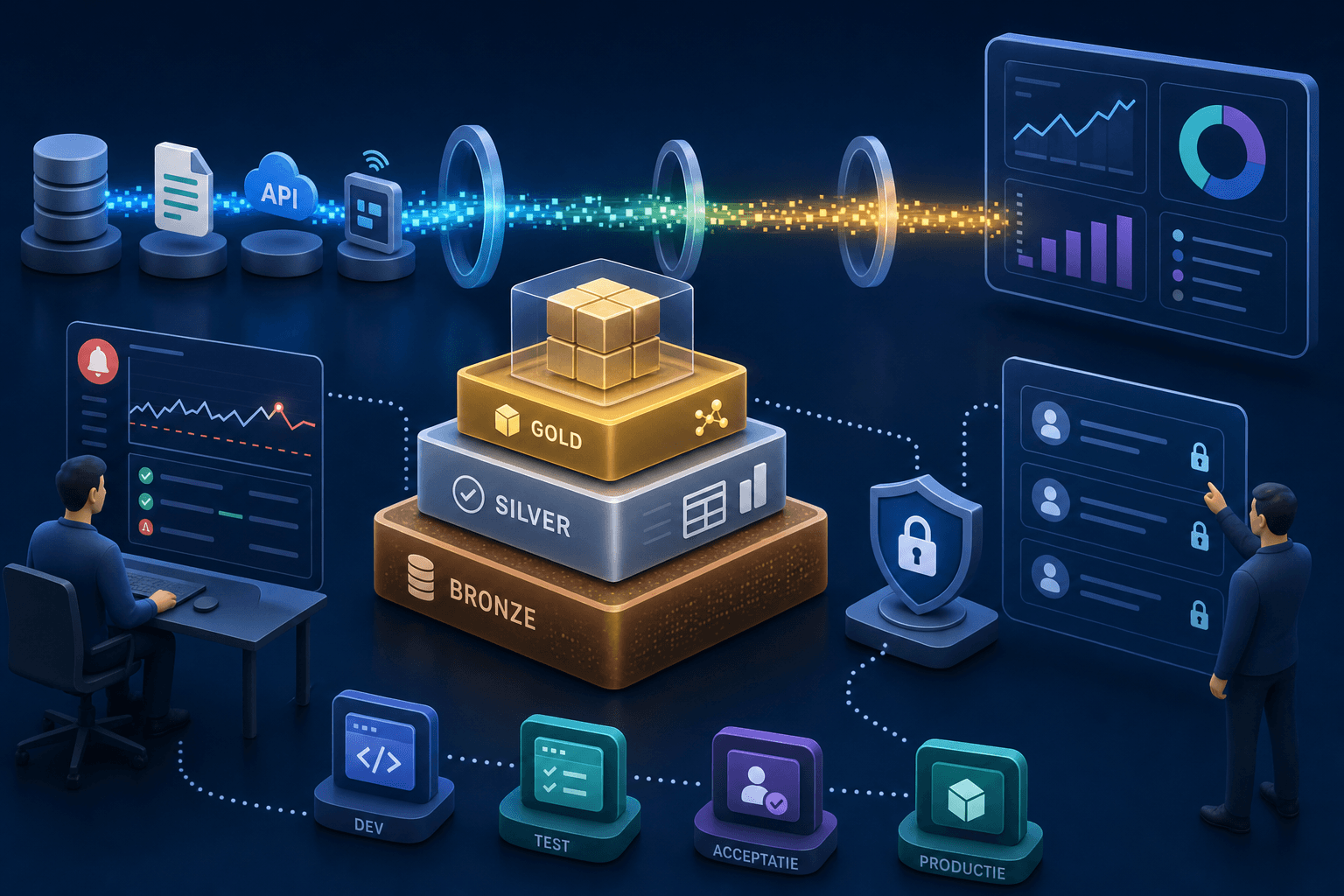
Work with a medallion architecture (a layered build from raw to clean, usable data in three steps: Bronze, Silver, Gold) and build the security rules into the Silver or Gold layer. Link user roles to a central table with customer, region or department attributes. Then test with a few representative accounts whether everyone sees exactly the rows that belong to their role, before rolling a report out widely. Set this up from the first design, not as a later addition. That avoids a costly rebuild as the number of users grows.
Practical examples: sharing with partners and customers
RLS becomes truly valuable once you share data outside your own organisation. A multi-tenant environment (one system serving several customers or partners at once, each with their own isolated data) requires exactly this kind of filtering.
At Impacture this happens through the Sharing Engine: a layer that shares reports and AI outputs with employees, partners and customers from the same Gold layer, with RLS as the underlying security. A logistics company can build a single reporting environment in which each shipper sees only its own shipments, while the company's own planning team keeps the full overview. No separate environments per customer, no manual copying of figures.
Why row-level security supports governance
For executives, RLS is not just a technical measure, it is a governance instrument (the set of rules and controls around data management). It enforces that access is granted explicitly rather than implicitly through shared passwords or broad exports.
This fits how many organisations have to deal with privacy legislation or customer contracts: data may only reach those who need it. RLS makes that demonstrable, because access is recorded in the model itself. Whether a specific setup also meets legal requirements such as GDPR depends on the full design, not on RLS alone.
Limitations and points of attention
RLS does not solve everything. It filters data based on predefined rules, so an unclear or outdated role structure still leads to wrong access, even if the technology works correctly.
Complex role structures with many exceptions make a model slower and harder to maintain. Keep the number of rules manageable and document who has access and why. RLS also does not replace broader security such as login management (SSO) or network security. It is one layer in a larger whole.
Validating and managing roles
Roles that were once set up correctly often drift quietly as teams change. Check periodically whether roles still match the current organisation.
Use separate DTAP environments (Development, Test, Acceptance, Production: a setup in which changes are tested before they go live) to test new roles without risk to production data. Log who has which role and when it was last reviewed. That keeps row-level security an actively managed part of your platform, not a setting you switch on once and forget.
Row-level security makes a single reporting environment safe to use for multiple audiences at once, from internal teams to external partners. Set up properly from the medallion architecture, with clear roles and periodic review, it prevents a tangle of separate reports and access rules.