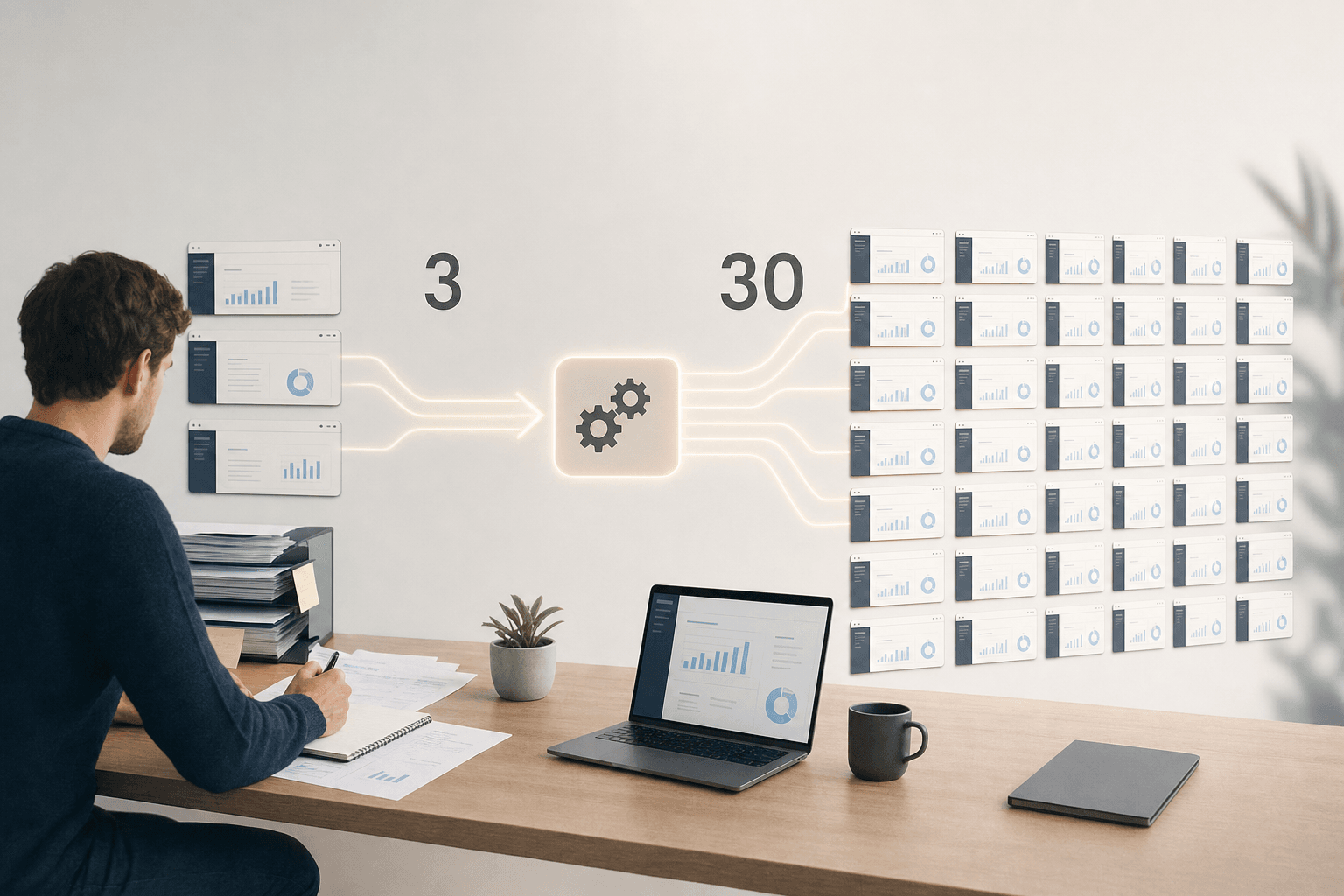
A client portal that works for three clients often breaks down at thirty. Every new client then means a new account, sorting out permissions and checking by hand who may see what. A well-designed client portal solves this by setting permissions, data and access automatically, based on who logs in, not on what someone happens to be given.
Secure access with row-level security
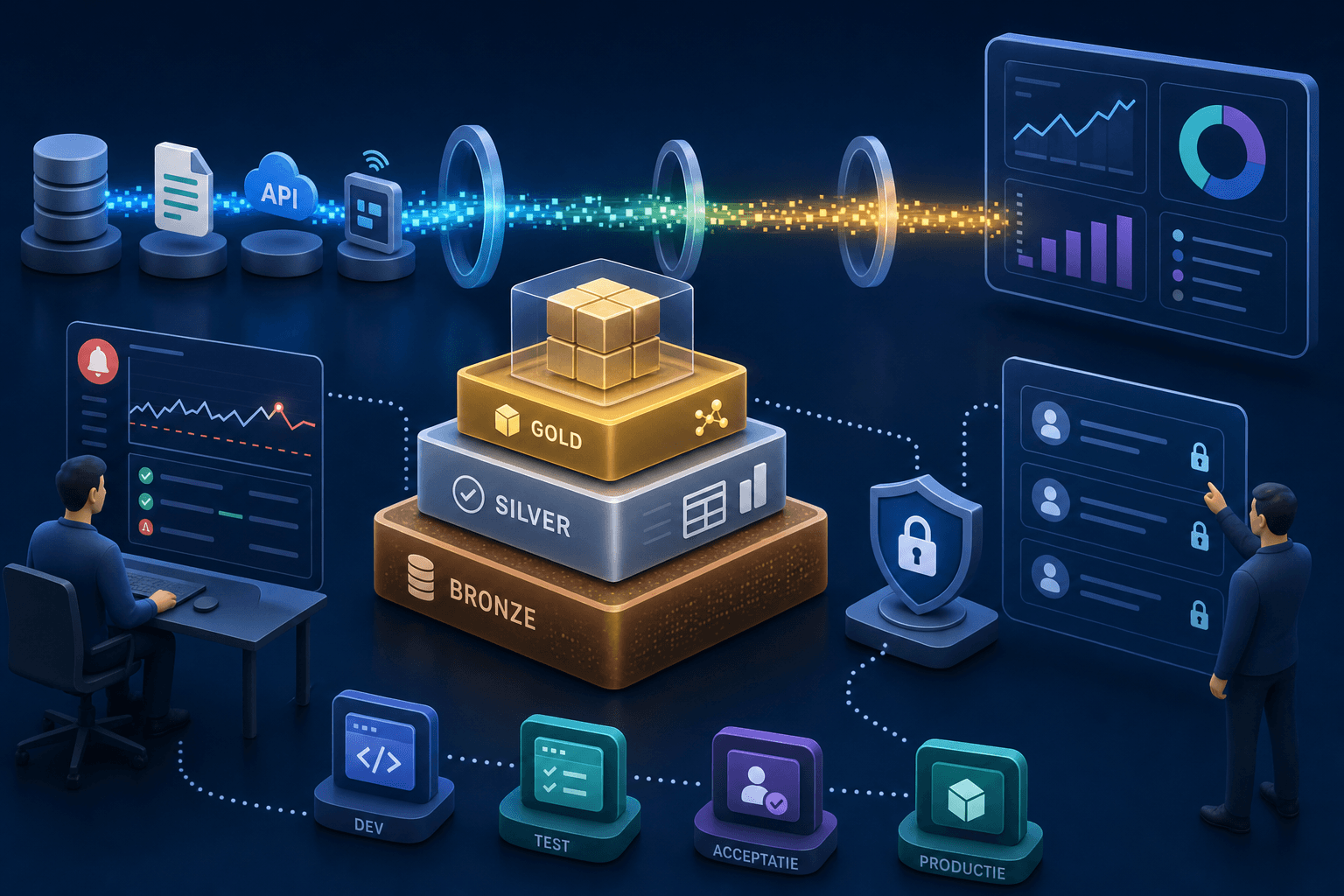
Row-level security (access control per user that decides which data rows are visible) ensures that client A never sees the figures of client B, even when everything runs on the same platform. The rule is set once at data level, not again for each user.
You notice the difference as you grow. With three clients you can still manage access with a spreadsheet and some manual work. At thirty it becomes error-prone: someone forgets to deactivate an account, or a new employee gets rights that are too broad. So set up security at data level, linked to Azure AD or SSO, so that access grows automatically with every new client.
Want to know whether your current setup can handle this? Take your spreadsheet or list of user rights today and check in five minutes: are there accounts that have not been used for months, or employees with access to more clients than their role requires? If you see even one example, manual rights management is starting to fail.
Multi-tenant portal for teams, partners and clients
A multi-tenant portal (one environment that securely serves multiple clients or partners at the same time) prevents you from having to build a new environment for every client. One platform, several separate entry points.
A new client then does not require a new configuration, but a new row in the same secured structure. Choose a setup in which employees, partners and clients consult the same underlying data, but each gets their own restricted view.
Work orders and client files in one environment
For installation and transport companies this means work orders, schedules and client files sit in the same layer. The technician sees their schedule, the client sees only the status of their own order.
Sharing data without risk
Sharing data with partners and clients does not have to mean everyone sees everything. With row-level security as the foundation, you decide per role exactly which part of the dataset is visible, without making copies or separate exports.
Set this up by first recording which data source has which owner, and only then attach the sharing rules. That way you share data with suppliers, technicians or clients without needing a new tool for every exception.
Governance from day one
Governance (the agreements and technology that determine who may see and change which data) only works if it is built in from the start, not added as a separate layer afterwards. A portal that has to be "secured" later costs more work than a portal that runs on DTAP environments from day one.
DTAP (Development, Test, Acceptance, Production: separate environments for testing changes safely) prevents a change for client A from accidentally becoming visible to client B. Put new integrations in a test environment before they go live, even for a small client portal with just a few clients.
Analytics and AI directly in the portal
A client portal only becomes truly useful when dashboards and AI functions run on the same underlying data as the rest of the platform. That way a client does not just see a report, but can also ask a question about their own figures.
That only works if the permissions that apply to the portal also apply to the analytics and AI layer behind it. So set up one shared data layer that reports and agents (AI functions that carry out tasks independently based on data) draw from, instead of separate integrations per function.
Logging in to the client portal
Logging in to a well-designed client portal goes through SSO or Azure AD, with permissions applied directly after login. The user does not need to know which rules sit behind it, because those rules are already defined at data level.
For a client this means the first visit immediately shows the right, restricted view. No extra setup work, no manual assignment per new account.
A client portal that grows from three to thirty clients does not run on extra manual work per client, but on row-level security and a multi-tenant setup that is right from the start. Not sure whether your current setup can handle that? Book a Discovery Call and we will look together at where the biggest gain lies.